Trademark Infringement on Amazon – Successful Resolution
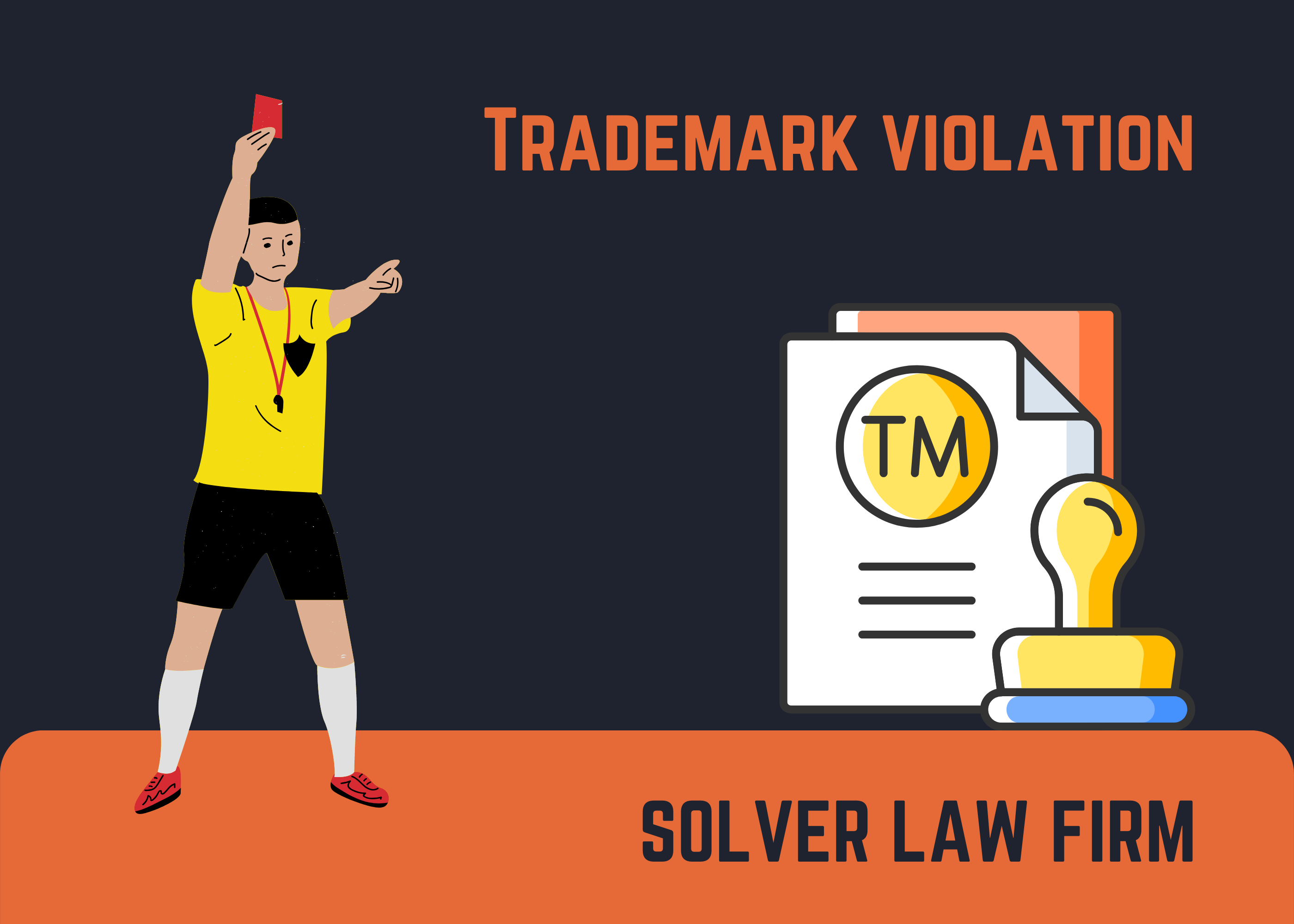
The essence of this case is that a right owner complained about the trademark on our client’s listing. The issue was resolved through negotiations between the client and the complainant, and the complaint was withdrawn.
But the twist of the case is that even though the issue was resolved, Amazon deactivated the account again for the same reason. We submitted appeals, providing letters from the complainant where he confirmed he’s already withdrawn the complaint.
But the Amazon team resisted and stubbornly refused to reinstate the account. Their main argument was that the account was suspended because of another TM violation. However, the violation was not shown in the Account Health dashboard, there were no notifications, warnings, or letters about the violation. Essentially it was an imaginary violation made up by Amazon and based on nothing.
Each call to Seller Support ended with a dose of new “information” about the infringement: a trademark infringement, copyright infringement, or improperly created listing. All they were saying was “I completely understand, but…” and then an explanation that their team had reviewed the account and found a new violation. The punch line was, “Of course, we understand your concern that you haven’t received emails and it doesn’t show up in your account, but you need to address the issue so that we can reinstate your account”.
Without thinking twice about it, we contacted an external service that helps businesses’ interests. We use their help sometimes. Thanks to the described chronological events and the emphasis on baselessness account deactivation + evidence, we were able to reactivate it.
To sum up, we want to give you some advice:
- Always try to write in a structured and chronological order. Seller Support doesn’t have a lot of time to check long reads.
- Proofs are our everything. Screenshots, documents, and letters are must-haves for your appeals.
- Write according to the following plan: thesis (Amazon deactivated the account in error)-> argument (there are no violations in the account regarding TM; the complaint was withdrawn)-> proof (the letter from the complainant to Amazon to withdraw the complaint or screenshot of Account Health dashboard, where you can see that it is empty).